I have packaged up five SCORM files and loaded them to my LMS, but I cannot get them to behave as I would like. I have logged a ticket with support, but they advised that this is an LMS issue. LMS providers say I have a packaging issue been on this all day, being pushed from pillar to post.
When I take and fail the assessment, a pop-up appears to advise my pass mark. I have added the ‘retake’ button to the pop-up; if the user selects this and retakes straight away, everything works fine - the user gets a new pop up and the LMS updates with their score. But if they don’t have time and decide to attempt the quiz later and re-access it from their ‘my learning’, it doesn’t give a pop-up when they have passed or update their record; it remains stuck ‘in progress’.
Does anybody have any idea what I am doing wrong, please?
Not sure what you are doing wrong but to rule one the lms why not upload it to scorm cloud and track the completion there. Also confirm in evole preview if completion is bring triggered.
Thank you for your response. I uploaded to SCORM Cloud, and it responded the same. In preview, I do not get the option to fail it and then retake as a delegate.
The issue specifically is that the module is designed to be only 30 mins, so if someone jumps on it between meetings, fails, then comes back to it later in the day and passed it won’t update - stuck ‘in progress’.
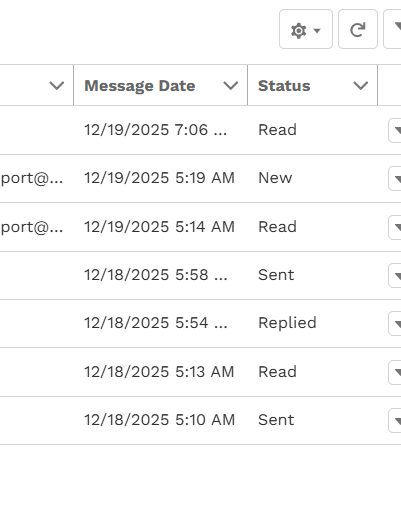
Attempt 1: I fail
Attempt 2: I pass- 100% - but the system doesn’t update, so in my rage I decide to go again
Attempt 3: I pass - 80% - but the system is then acknowledging my 100%
But, If they immediately select ‘retake’ from the extension pop-up, then all is fine and the LMS updates as it should.
The issue is if they decide to complete later (even 5 mins later)
Thank you @hbailey, I have tried, they sent me back to the LMS provider, who ping ponged me back. Have emailed support again on the ticket at 10:15. and at 12:06 sent a chaser.
Thank you for your response. I am sure you are not oversimplifying, James, but you are speaking to a learner (code for numpty!) I do not know how to do a trigger
I have liaised with Intellum Support, and they have not yet helped with a fix. if the learner goes straight in for a retake, there isn’t an issue, but if they do not have time, exit the course and return at a later date; we have this glitch. I have been redirected to lots of different ‘fixes’, but the glitch is still there.
I have explained to the SME and have gone live today with 5 modules. I am expecting our contact centre to have an increase in calls/complaints
 been on this all day, being pushed from pillar to post.