Issue with Additional Landing Page in Cover Menu

Thank You Matt, I may not have set it up correctly. Can you kindly advise as to how I can I go about setting this first page on the cover menu and also to change the close button to the bottom of the page please! I want Page 2 as my first page.
Page 1: (when I press preview this is the first page that appears)

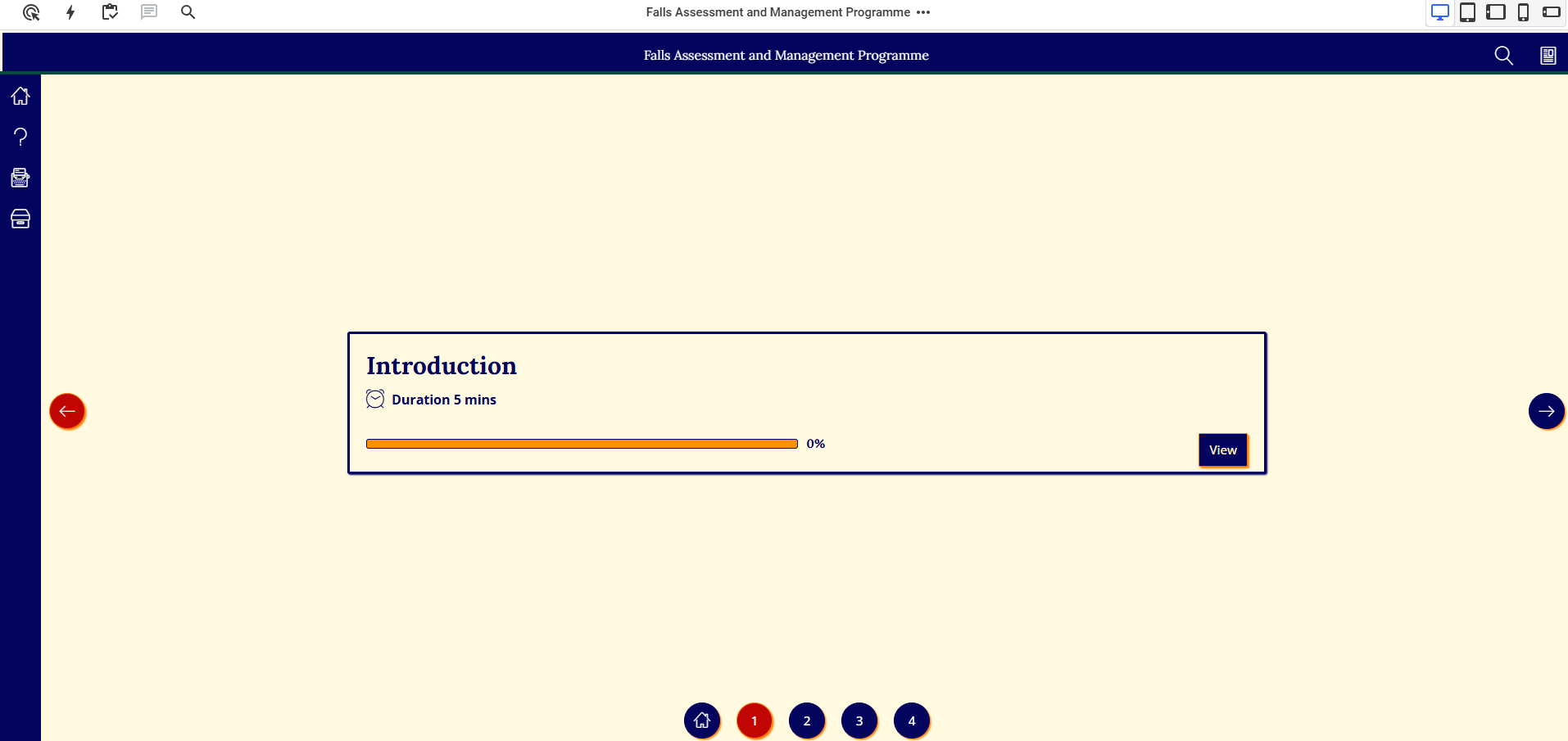
Page 2: When I hit the close button this page appears.
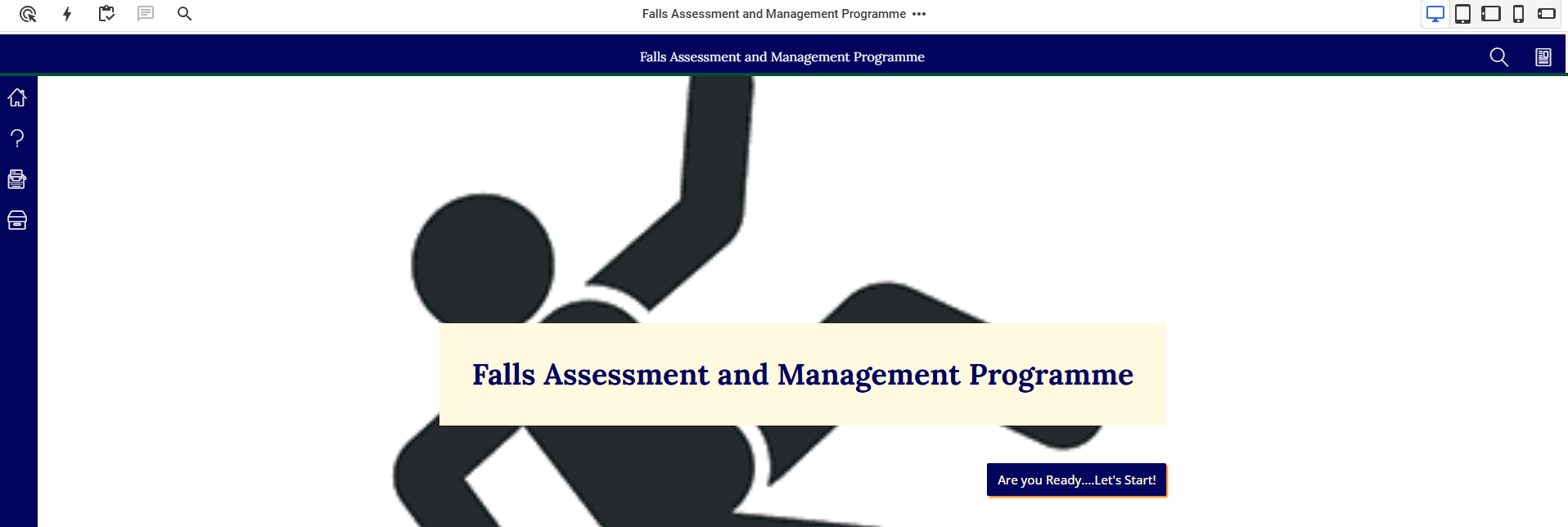
Page 3: My menu page (when you click on Let’s start)

@Glow9 sorry that’s my mistake then, it’s not the Cover menu ‘cover page’ that’s appearing first…
My best guess is that it could be that you have enabled the Video Intro extension but not actually configured it to have any content?
If it’s not that, please get in touch with Evolve Support via the ‘Help and Support’ menu item in the bottom left of the main dashboard (or the icon in the top of the editor) and they can help you out.
Thanks Matt, it was indeed the video intro extension. Much appreciate your help on this and it is now sorted.