Theming, Graphic, and Colour suggestions

Hello wonderful Evolve team, I’ve really been enjoying digging around in the new Evolve platform and really optimistic about the potential for this new builder. In the spirit of sharing I thought I’d add a couple of suggestions and ideas I had that would improve my workflow as a visual designer:

Bring back “Replace graphic" feature - it was helpful in legacy evolve for quickly updating repeating graphics and saving on duplicate assets

Font weight and line height overrides for heading levels - The new heading levels system is great, also loving the new control over letter spacing, but not being able to change fonts per heading was surprising!

When adding a graphic, having “upload” as a third option in the menu - or default to the upload tab when selecting library, a small thing but saves an extra click because I’m almost always uploading new.

Theme colours/custom colour picker - I found that I quickly exhausted the 15 colours in the global theme, and not having the custom colour picker available everywhere in the editor felt limiting (the legacy evolve it was handy having the two tabs to swap between). Maybe the option to “add more” colours if we need?

Seeing “Cards” in the theme editor - Great to be able to visually see the theme as you’re editing, but the card styles I still can’t see.

Text padding - I see why simplifying the padding options can be better for ease of use. If I wanted to create something like a card where the image bleeds to the edge, but text doesn’t - it would be easy to do this by setting card padding to 0 and adding padding to the text only. It doesn’t seem possible to create something like this just yet.

Card styles vs Article styles - I’m not convinced that doing away with article styles is helpful. It was so convenient to update things in one place for multiple courses/pages. The four card styles feels almost the same, but still very limiting with only having four, and the level of overrides and editing is not comparable.

Keen to know your thoughts, I imagine some of these things have already been picked up on.

1 Like

Thank you so much for taking the time to put your thoughts down for us Laura, your input is extremely valuable to us to make the tool the best it can be!

@LaurynS just to pick up on one point - it’s my understanding that the custom color picker should be available everywhere you can select a color now - if you have an example of somewhere in the editor it’s not available, please let us know. And like Helen said, thanks so much for this feedback, it’s super helpful.

Cheers-Sam

1 Like

Hi Sam, When I first started fiddling, I had the ability to change individual characters to different colours, which is how I created this gradient word effect. Each character is a slightly different hex code.

I was surprised that now when I go in, there is no colour override in the editor toolbar. I see the “text colour” field in the settings to the right, but that only uses the theme colour.

1 Like

@LaurynS I have checked with the team and it turns out that’s actually a bug. The only place it should be disabled is any rich text field in course settings, e.g. the completion dialog. I will log it and let you know once it’s fixed. So thanks very much, that was really helpful!

Cheers-Sam

2 Likes

@LaurynS I can confirm that has been fixed and you can set colors on individual characters with the text editing toolbar again

2 Likes

Hi,

First, don’t get me wrong — the new Evolve has some great ideas, but in my opinion there’s still a lot of untapped potential, especially in the rather limited Theme Editor. I’d like to pick up on a few of LaurynS points and also add some of my own.

Replace Graphic Feature
Bring back the “Replace graphic” feature — I totally agree. It’s really important to be able to replace a graphic that’s used in multiple courses. Right now, we have to upload a new image and manually change it in every course before deleting the old one.

Asset Uploads
It would be awesome if we could upload multiple assets at once again — just like in Legacy.

Supportes Asset-files
We’re missing support for certain file types such as PDF, DOCX, and ZIP.

Tagging
I’m sure that some kind of tagging system will make a return, but I’d still like to mention that this would be very helpful for managing assets (including filter search). Alternatively, a folder system would also be great.

Theme Colours / Custom Colour Picker
An extended custom color palette with at least five colors would be great. Adding around ten more colors would actually match the number available in Legacy.

Card Styles vs Article Styles
I completely agree with this point.
Let me elaborate a bit on how we use Article Styles (AS) in our courses:
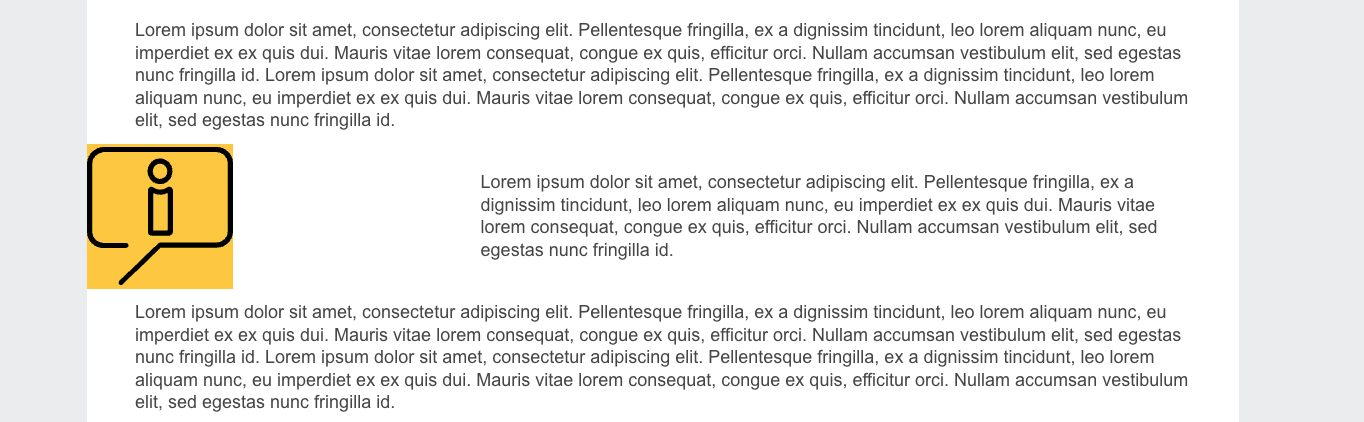
We use AS quite extensively. In our learning content, we have different categories such as Example, Definition, or Important Information. These categories stand out from the regular text by using an Article Icon on the left, surrounded by a yellow background.

This option is currently missing in the new Evolve, which means we can’t design our learning content in the same way as before.

I tried to recreate it by placing two columns side by side — with the text on the right, and on the left an icon uploaded from Assets, giving the left column a yellow background using a Card. The result still doesn’t come close to the original (see attached images).
One reason is that column widths are still fixed (e.g. 50/50 or 30/70), which creates additional limitations even with fine-tuning.

Icons
It would also be great to have the option to use custom icons again, especially in the Theme Editor.

Size and Line Height
In some areas it’s possible to adjust the size or line height, but only using the slider. A numeric input option would be really helpful. (By the way, this should also be possible in the Course Editor.)

Styling for Interactive Elements
All interactive elements (Tabs, Accordion, etc.) should offer the same styling options: Active, Disabled, Visited, and Not Visited.
For example, Tabs allow you to define a color for the Active state, but Accordions currently don’t.

Theme Preview Page
It’s great that there’s a predefined page where you can instantly see what changes when editing a theme.
However, it would be even better to be able to select the currently open course for preview.

The reason: The placeholder text on the default page isn’t long enough to give an accurate impression of the theme, and sometimes the number of columns on that page isn’t sufficient to reflect real course layouts.

Overall, I’d say the Theme Editor looks very clean and well-organized, which I really like.

— Lars

3 Likes